A retail POS system is what turns a shop counter into a business you can actually measure. It rings up sales, but its real job is inventory truth: knowing what you have, what sells, what’s about to run out, and what’s quietly tying up your cash on a shelf.
Key takeaways
- Retail POS is inventory-first: barcodes, variants, purchase orders, and accurate counts.
- Barcode scanning pays for itself above ~50 SKUs — in speed and in stock accuracy.
- Variants (size, colour) must carry their own barcode, price, and stock level.
- Sync with Shopify, WooCommerce or Amazon so one catalogue serves every channel.
- Expect ~$30–$50/month for modern cloud retail POS on hardware you already own.
What a retail POS does
Checkout. Scan or search, apply discounts, take payment, print or email a receipt.
Inventory. Every sale decrements stock. Purchases increment it. Transfers move it between stores. Counts correct it.
Purchasing. Purchase orders to suppliers, receiving against those orders, and cost tracking.
Customers. Profiles, groups (wholesale vs retail pricing), and loyalty points.
Reporting. What sold, what’s trending, what’s dead stock, what your margins are, and what tax you owe.
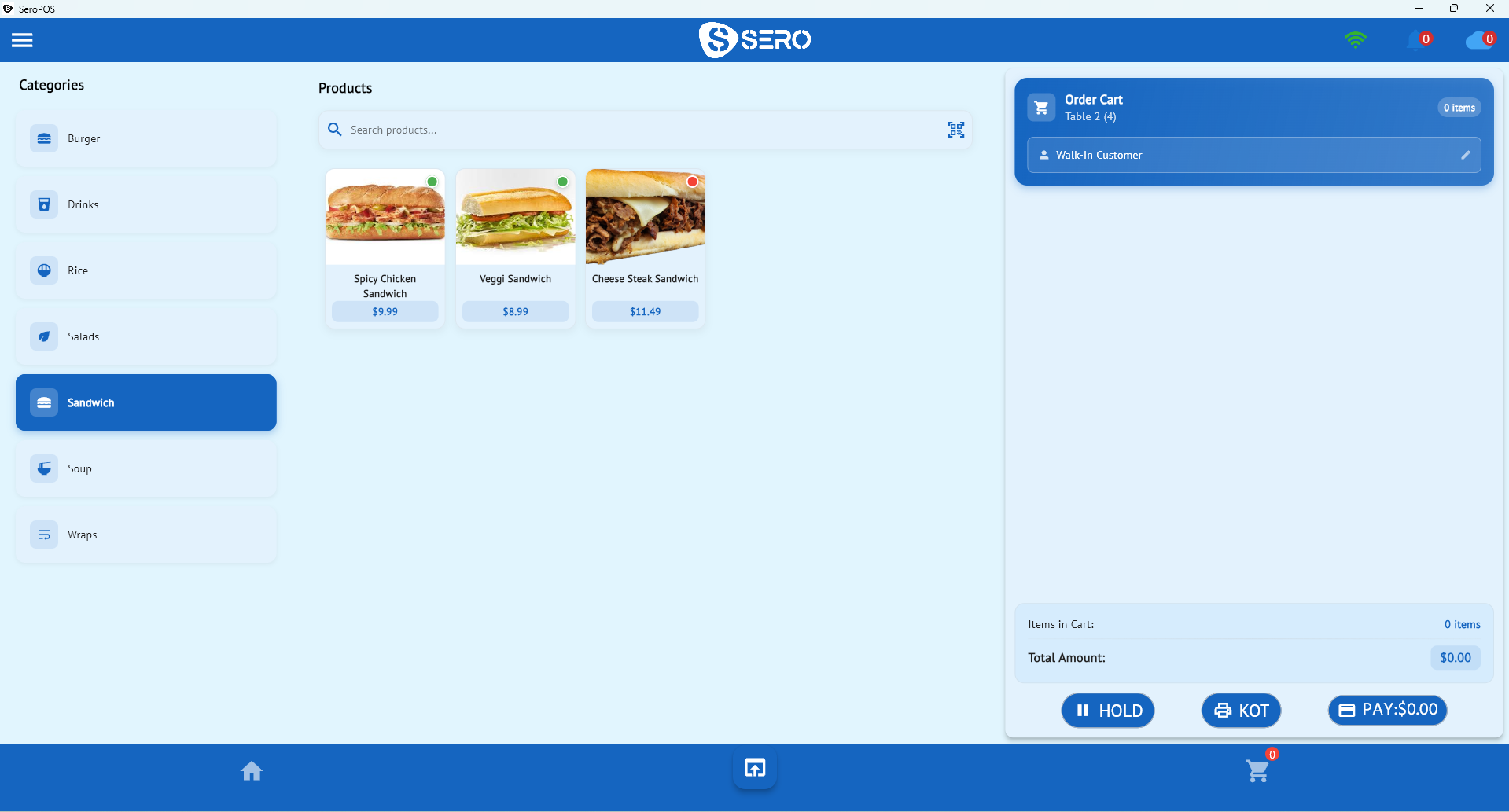
Features that matter for shops
| Feature | Why it matters |
|---|---|
| Barcode scanning & label printing | Fast checkout and accurate stock movement |
| Product variations | Size/colour with individual barcodes, prices and counts |
| Purchase orders & suppliers | Reorder properly instead of guessing |
| Stock transfers | Move inventory between locations without losing count |
| Lot & expiry tracking | Essential for grocery, pharmacy, cosmetics |
| Price & customer groups | Wholesale vs retail, member pricing |
| E-commerce sync | Shopify, WooCommerce, Amazon — one catalogue |
| Discounts & promotions | Percentage, fixed, per-item |
| Multi-location | Chain-wide reporting, per-store settings |
| Accounting sync | Sales and tax into QuickBooks or Xero |
See the full retail feature set for how these fit together.
Getting variants right
Variants are where retail inventory succeeds or fails. A t-shirt isn’t one product — it’s a matrix of sizes and colours, each with its own barcode and stock level. Model it as one product with variants, and:
- Checkout scans the exact item, so counts stay honest
- Reports tell you that mediums sell out while XLs sit
- Reordering is based on what actually moved, not a guess about “t-shirts”
Model it wrong — as a single “T-Shirt” SKU — and every stock number you have becomes fiction within a month.
Barcodes and labels
If you sell more than a handful of SKUs, barcodes are non-negotiable:
- Use supplier barcodes where they exist (most packaged goods have them).
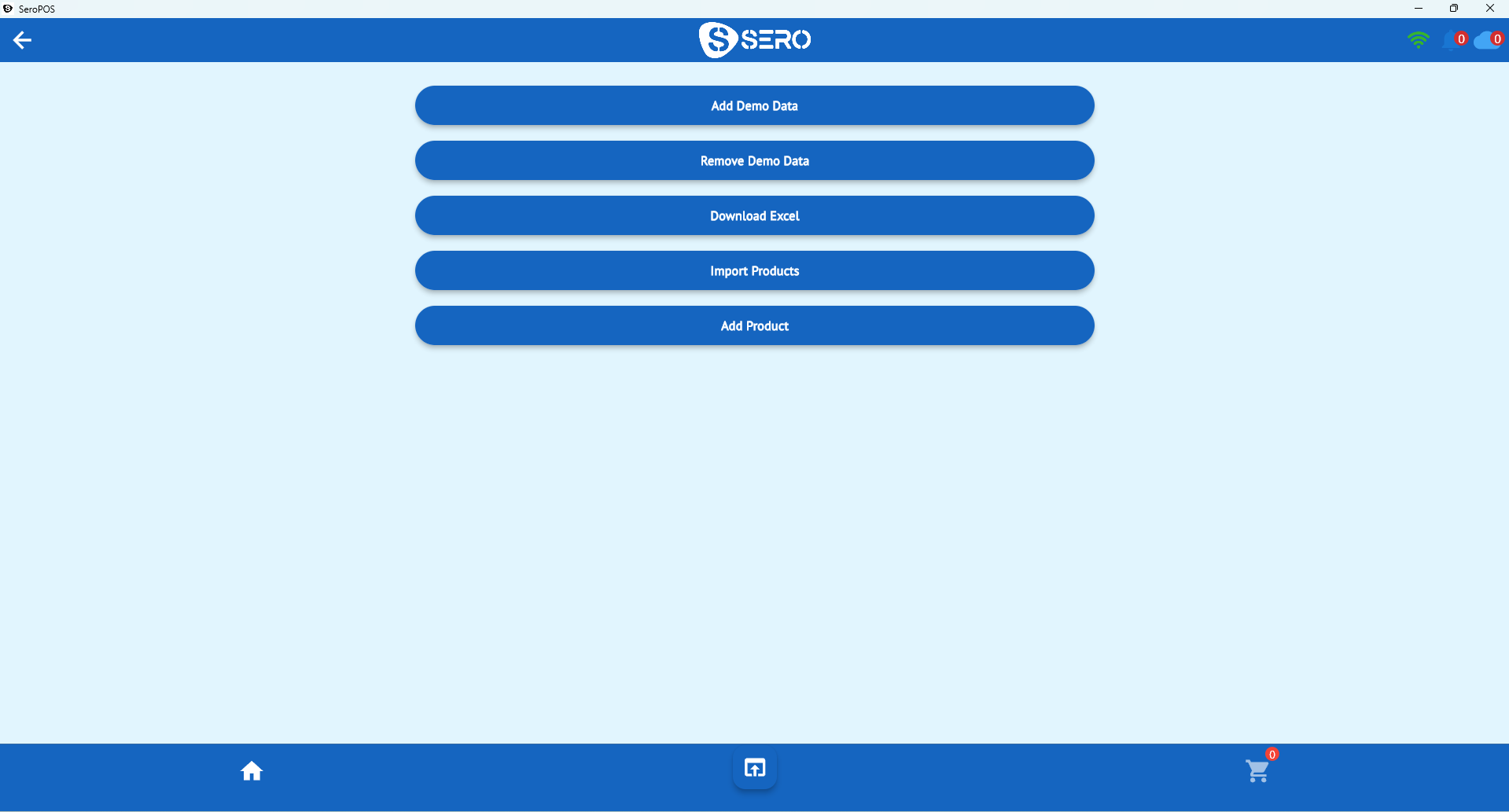
- Generate your own for unbarcoded or handmade items — SeroPOS includes barcode generation and label printing.
- Print shelf labels with price and code so staff can scan for lookups.
- Scan at receiving too, not just at checkout, so incoming stock is counted accurately.
Selling online as well as in store
Most shops now sell in more than one place. The rule that keeps it sane: one catalogue, many channels.
- Shopify / WooCommerce / Amazon integrations keep products and orders in step with your storefronts.
- Built-in online catalogue with cart and checkout if you don’t have a webstore — plus a QR code version for in-store browsing.
- One inventory behind all of it, so you don’t sell your last item twice.
What it costs
| Cost | Typical range |
|---|---|
| Software | $30–$120/month per location |
| Barcode scanner | $30–$120 |
| Receipt printer | $150–$350 |
| Label printer (optional) | $150–$400 |
| Tablet/PC | $0 if you own one |
| Card processing | 2.4%–3.0% + per transaction |
SeroPOS is $30–$50/month; details on the pricing page, and a fuller cost comparison in how much a POS system really costs.
Choosing: five tests to run in a trial
- Import 100 products from a spreadsheet — how painful is it?
- Create a variant matrix (3 sizes × 3 colours) and scan one at checkout.
- Receive a purchase order and confirm stock increments correctly.
- Run a stock report and find your slowest-moving items.
- Close the day and reconcile cash and card in under ten minutes.
Common retail POS mistakes
- Treating variants as separate products — destroys reporting
- Never counting — cycle count a section weekly rather than one dreaded annual count
- Ignoring dead stock — cash sitting on a shelf; discount it and move on
- No supplier records — reordering becomes archaeology
- Manual e-commerce updates — guarantees overselling eventually
Start with barcode inventory setup if you’re building a catalogue from scratch, then download SeroPOS and try it free for 14 days.