Quick service is a throughput business. Every second between “next please” and the order hitting the kitchen is capacity you either capture or lose, and the whole day’s revenue is decided in two or three short peaks. A QSR POS system should be evaluated on exactly that.
Key takeaways
- Measure everything in seconds per order during peak, not features.
- Arrange the screen by sales volume, not by printed menu order.
- Kiosks add parallel capacity — several guests ordering at once, consistently upsold.
- Kitchen display beats paper at volume; keep a printer fallback.
- SeroPOS includes kiosk mode and KDS with no per-device fees.
The peak-hour arithmetic
If your lunch rush is 90 minutes and your average order takes 45 seconds to ring, one till handles about 120 orders. Cut that to 30 seconds and the same till handles 180 — a 50% capacity increase from screen layout alone, with no extra staff or equipment.
That’s why QSR POS evaluation should start with a stopwatch, not a feature list. Time your three most common orders on any system you’re considering.
Screen layout is your biggest lever
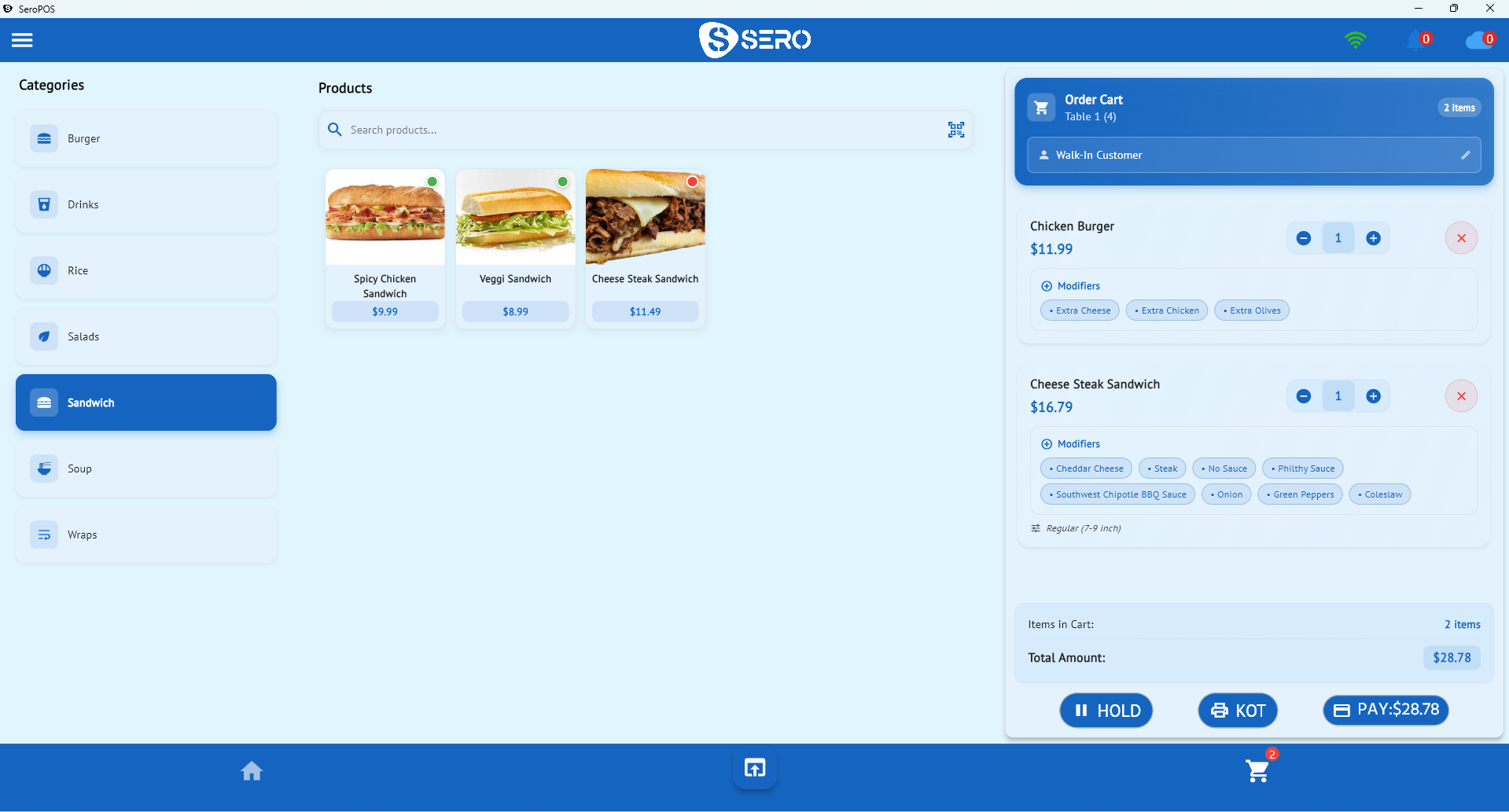
- Top 15 items on the first screen — pull the list from your own sales report, not intuition
- Combos as single buttons, not assembled from parts
- Colour by category so hands find things without reading
- Modifiers that match how people order — “no pickles,” “make it large,” “add fries”
- Nothing more than two levels deep
Rearranging a badly ordered screen is the cheapest throughput improvement available to most QSRs.
Kiosks: parallel capacity
The structural limit of a counter is that one till serves one customer at a time. Kiosks break that: four guests order simultaneously while your staff make food.
They also upsell consistently — a kiosk asks about a drink or a side every time, without forgetting or feeling awkward, which is where most of the reported average-order lift comes from.
The catch on most platforms is cost: kiosk software is typically billed per device per month on top of hardware. SeroPOS includes kiosk mode in the subscription, so a second kiosk costs a tablet. Full comparison in what self-ordering kiosks really cost.
Kitchen routing at volume
For QSR, a kitchen display usually beats paper:
- Orders can’t be lost or blown off a rail
- Modifications appear in place rather than as a second ticket
- Station routing sends fryer items to the fryer and grill items to the grill
- Ticket timestamps make “we’re slow at 12:30” measurable
Keep a printer configured as a fallback, and rehearse switching to it.
Multiple tills without multiple fees
At peak you want a second and third register. Two things make that affordable:
- Per-location pricing, so extra terminals don’t add monthly cost
- Server/client mode, so tills share one database over your local network — instant, and not dependent on your internet
Combined with offline order taking, a connectivity problem doesn’t stop your lunch rush.
Drive-through and pickup
If you run a window or a pickup counter:
- Separate order queues so drive-through and walk-in don’t interleave confusingly
- Order numbers displayed clearly for pickup
- Online and QR order-ahead feeding the same queue, commission-free
- Realistic prep times so people aren’t waiting at a window
The metrics that matter
| Metric | Target behaviour |
|---|---|
| Orders per hour at peak | Should rise after layout changes |
| Average ticket time (kitchen) | Watch by daypart |
| Average per cheque | Kiosks and prompts should lift it |
| Sales by hour | Match the schedule to the curve |
| Void rate | Training signal |
Your daily sales report covers most of it nightly.
The setup
| Item | Cost |
|---|---|
| PC or tablet per till (owned) | $0 |
| Receipt printer | $150–$400 |
| Kitchen display tablet or monitor | $200–$400 |
| Kiosk tablets (optional) | ~$300 each |
| Cash drawer | $80–$200 |
| SeroPOS | $30–$50/month per location |
Download SeroPOS and time your own lunch rush on it — 14-day free trial, no credit card.