Most cloud POS systems treat every till as an independent client of a distant server. That works — until you have four terminals in one room, all sending every keystroke over a broadband connection you don’t control. Server/client mode solves it by letting your terminals share one database on your own local network.
Key takeaways
- One device holds the database; other tills connect as clients over your LAN.
- All terminals see the same products, orders and stock instantly.
- Local networking means speed doesn't depend on your internet.
- SeroPOS charges per location, not per terminal — extra tills cost a tablet.
- Data still syncs to the cloud for remote reporting and backups.
The problem with cloud-only multi-till setups
Picture a busy restaurant with four tills. In a pure cloud model, every product lookup, every order line, every table status change is a round trip to a data centre. On a good connection you won’t notice. On a congested Friday-night connection — or during an outage — you notice a great deal.
Then there’s the commercial problem: many vendors charge a monthly fee per terminal. A fourth till isn’t just a tablet; it’s another subscription line, permanently.
How server/client mode works
- One device runs as the server — typically the Windows PC at your main counter — and holds the working database.
- Other terminals connect as clients over your local Wi-Fi or wired network.
- Everything is shared instantly: an order started on the bar till appears on the counter till; stock decrements once; table status is the same everywhere.
- The cloud still gets the data, so remote reporting, backups and accounting sync all work as normal.
Why this matters more than it sounds
Speed under load. Local network round trips are measured in milliseconds. During peak service, that’s the difference between a till that feels instant and one that feels sticky.
Resilience. Because the terminals coordinate locally, a broadband outage doesn’t stop them working with each other. Combined with offline order taking, your service continues while the connection is restored — orders keep flowing, kitchen tickets keep printing, and everything syncs afterwards.
Cost. Per-location pricing means the fourth till costs a tablet. Per-terminal pricing means the fourth till costs a tablet plus a fee every month for as long as you own it.
Consistency. One database means no reconciliation between tills at close — a single set of numbers, not four to add up.
Where it’s the right setup
| Venue | Why |
|---|---|
| Busy restaurants with counter + bar + tableside | Shared table state and orders across devices |
| QSR with several registers | Peak throughput without cloud round trips |
| Venues with weak internet | Local operation isn’t hostage to the ISP |
| Multi-till retail | One stock number across every checkout |
| Kiosk setups | Kiosks share the same catalogue and order queue |
A single-till café doesn’t need it. Anything with two or more terminals in one building benefits.
Setting it up
- Pick the server device — something that stays powered and online for the whole service. A counter PC is ideal.
- Wire it if you can. Ethernet to the server device and to the kitchen printer removes the most common failure point.
- Put the tills on a dedicated network — not the guest Wi-Fi, which is saturated by customers’ phones.
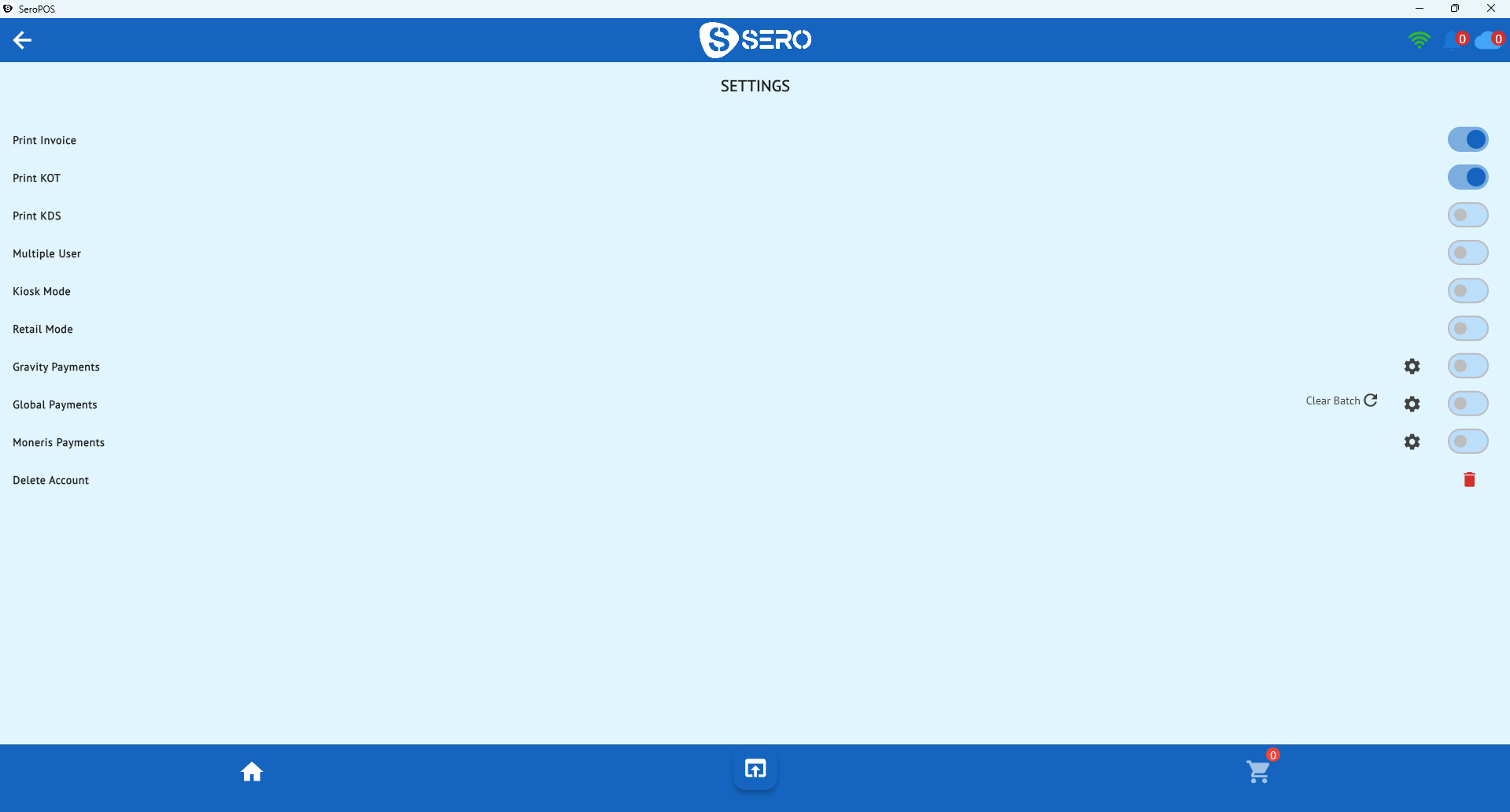
- Point the clients at the server in settings.
- Test a shared order — start it on one till, finish it on another.
- Confirm cloud sync by checking the sale appears in reporting from your phone.
Practical cautions
- The server device matters. If it sleeps, the clients lose their database — disable sleep and keep it on power.
- Wi-Fi quality is the usual culprit in multi-till problems, not the software. A decent access point pays for itself.
- Have a fallback: know which single device can operate standalone if the server fails mid-service.
- Back up — cloud sync covers this, but confirm it’s actually happening rather than assuming.
How it fits the bigger picture
Server/client mode is one of three things that make SeroPOS resilient in a real venue: local multi-terminal operation, offline order taking, and hardware you can replace at any shop (hardware guide). Together they mean a bad night for your ISP isn’t a bad night for your business.
It’s included in the standard subscription — no per-terminal charges. Download SeroPOS and set up a second till during your 14-day free trial.