Most small shops run on approximate inventory: a number in the system, a different number on the shelf, and a shrug in between. Barcode inventory is what closes that gap. It isn’t complicated, it isn’t expensive, and it changes purchasing from guesswork into arithmetic.
Key takeaways
- Barcodes pay for themselves above ~50 SKUs — in checkout speed and stock accuracy.
- Every variant (size, colour) needs its own barcode, price and count.
- Scan at receiving, not just at checkout, or your counts drift immediately.
- Generate and print your own labels for unbarcoded goods.
- Cycle count weekly by section instead of one annual full count.
Why accurate counts matter more than they seem
Inaccurate inventory costs money in four directions at once: you re-order things you already have, you run out of things you thought you had, you can’t spot theft, and you can’t tell dead stock from slow sellers. Every one of those is cash — either sitting on a shelf or walking out the door.
Barcoding fixes the root cause, which is that manual entry is fundamentally unreliable at the speed of a real checkout.
What you need
| Item | Cost | Notes |
|---|---|---|
| Barcode scanner (USB) | $30–$120 | 1D is enough for most retail; 2D reads QR |
| Label printer (optional) | $150–$400 | Only if you print your own labels |
| POS with barcode support | Included in SeroPOS | Generation, scanning, label printing |
That’s it. A shop can be barcoded properly for under $200.
Step 1: Get your catalogue in order
Before scanning anything, your product data has to be right. Bulk import from Excel is the fastest route.
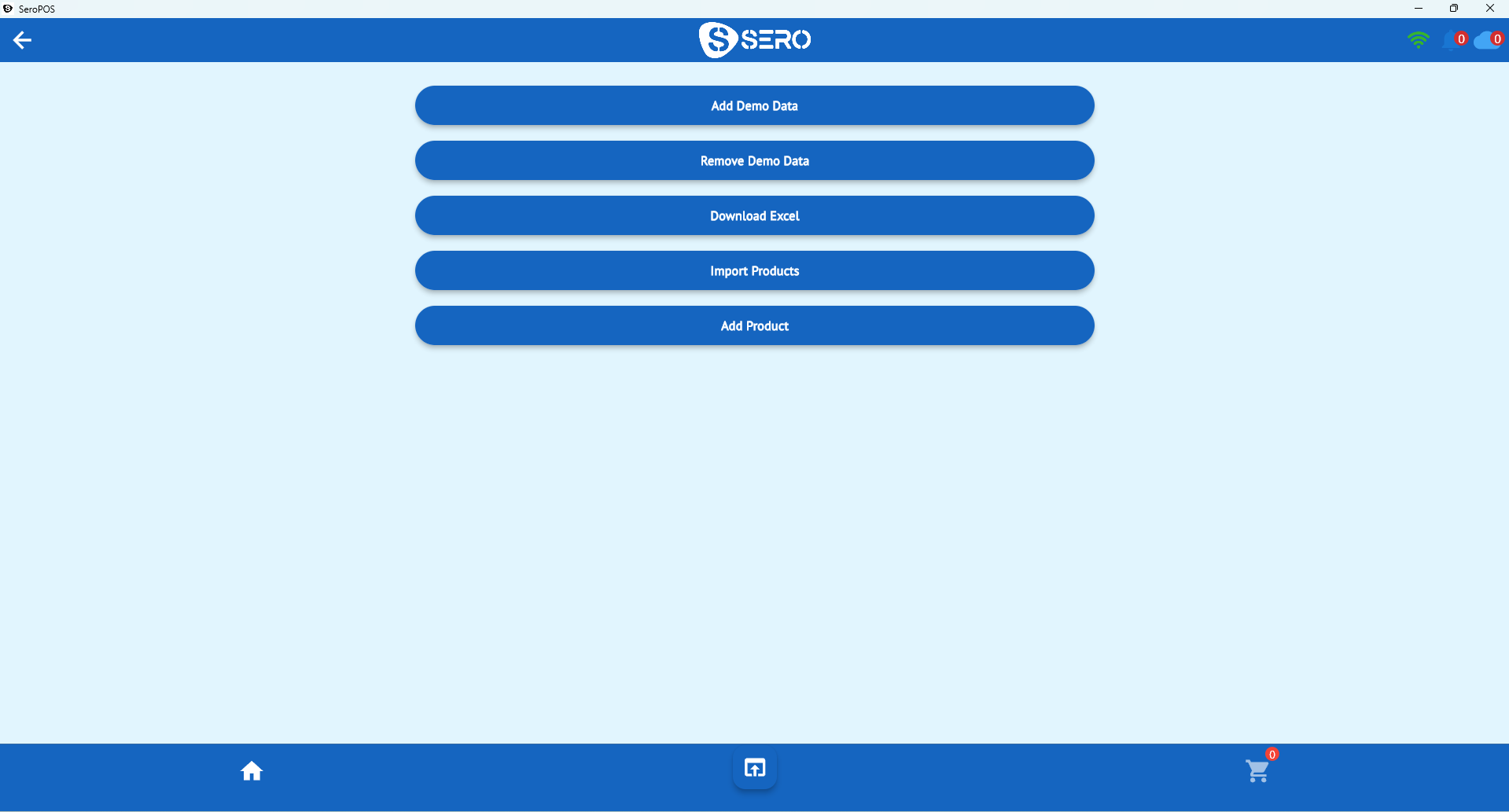
For each product record:
- Name — consistent naming convention; pick one and stick to it
- Category — for reporting, not decoration
- Cost and selling price — cost is what makes margin reporting possible
- Barcode — supplier’s, or one you generate
- Variants — each with its own barcode, price and stock
Step 2: Handle variants correctly
This is where most small shops go wrong. A t-shirt in three sizes and three colours is nine stock items, not one. If you model it as a single “T-Shirt” SKU:
- You can’t tell that mediums sold out while XLs sat
- Reordering becomes a guess
- Your count is meaningless within weeks
Model it as one product with nine variants, each with a unique barcode, and every report suddenly tells you something useful.
Step 3: Label what needs labelling
- Supplier barcodes: use them. Most packaged goods already carry one — scan it into the product record.
- Unbarcoded goods: generate a code in SeroPOS and print a label.
- Shelf labels: price plus barcode means staff can scan for a price check instead of hunting.
- Placement: consistent position on the package, not over a seam or curve where scanners struggle.
Step 4: Scan at receiving, not just at checkout
The most-skipped step, and the one that quietly ruins counts. When a delivery arrives:
- Open the purchase order in the POS
- Scan each item as you unpack
- Confirm quantities against the order
- Note discrepancies immediately, while the driver is still reachable
Receiving by scan means your stock increases by exactly what arrived, not by what the invoice claimed.
Step 5: Cycle count instead of the annual nightmare
Full annual counts are miserable, disruptive, and too late to be useful. Instead:
- Divide the shop into ~10 sections
- Count one section per week
- Investigate any variance over a threshold you set
- Every item gets counted roughly quarterly, and nothing ever closes the shop
Variances found weekly are explainable (“we had that breakage on Tuesday”). Variances found annually are a mystery.
Step 6: Use what the data tells you
Once counts are trustworthy, your reports become decision-making tools:
| Report | Decision it drives |
|---|---|
| Stock report | What to reorder now |
| Trending products | What to buy more of / feature |
| Slow movers | What to discount and clear |
| Stock expiry / lot report | What to sell first (grocery, cosmetics) |
| Purchase report | Supplier performance and cost changes |
Dead stock is the silent killer of small retail cash flow — it looks like assets and behaves like a hole. Barcoded counts are how you find it.
Common mistakes
- Scanning only at checkout — receiving is half the equation
- Duplicate barcodes across products — breaks everything downstream
- Sharing one barcode across variants — destroys reporting
- Never counting because “the system knows” — systems drift; count anyway
- Ignoring cost prices — without them you can’t see margin
Where this fits
Barcode inventory is the foundation of the wider retail POS setup — and it’s what makes e-commerce sync safe, because you can’t oversell online if your counts are real. If you’re running multiple shops, accurate counts also make stock transfers between locations trustworthy.
See the full retail feature set, or download SeroPOS and barcode your catalogue during the 14-day free trial.